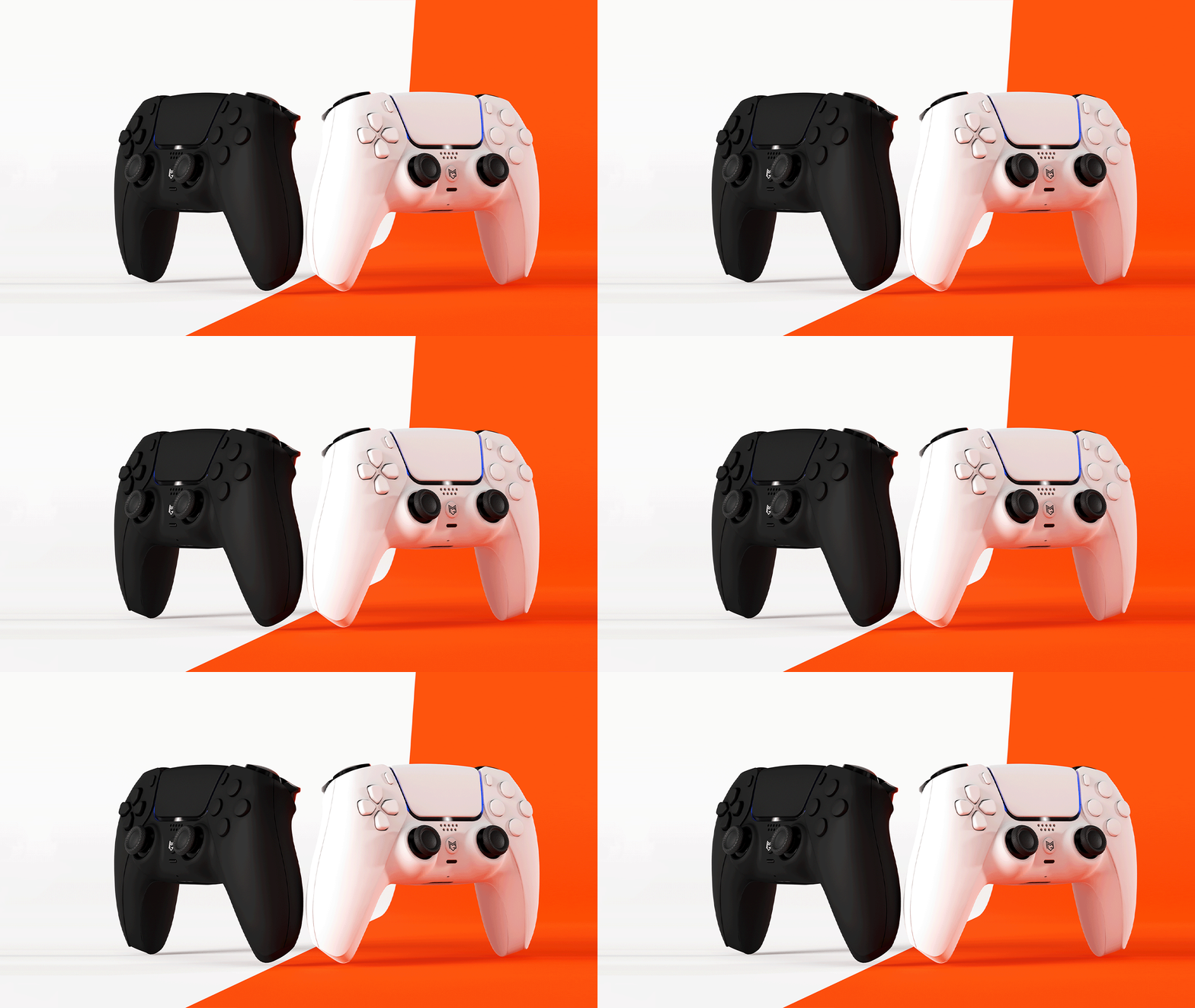
MERKA.G PS5 Dualsense Custom Controller Back Button カスタムコントローラー 背面ボタン MG Series Original Design MERKA.G PS5 Dualsense Custom Controller Back Button カスタムコントローラー 背面ボタン MG Series Original Design MERKA.G PS5 Dualsense Custom Controller Back Button カスタムコントローラー 背面ボタン MG Series Original Design

Same shape.

True evolution.

While keeping the shape of the DS4, the "input base" has been redesigned.

REACTA

(JDM-5X Rebuild Model)

GET REACTA

MERKA.G PS5 Dualsense Custom Controller Back Button カスタムコントローラー 背面ボタン MG Series Original Design
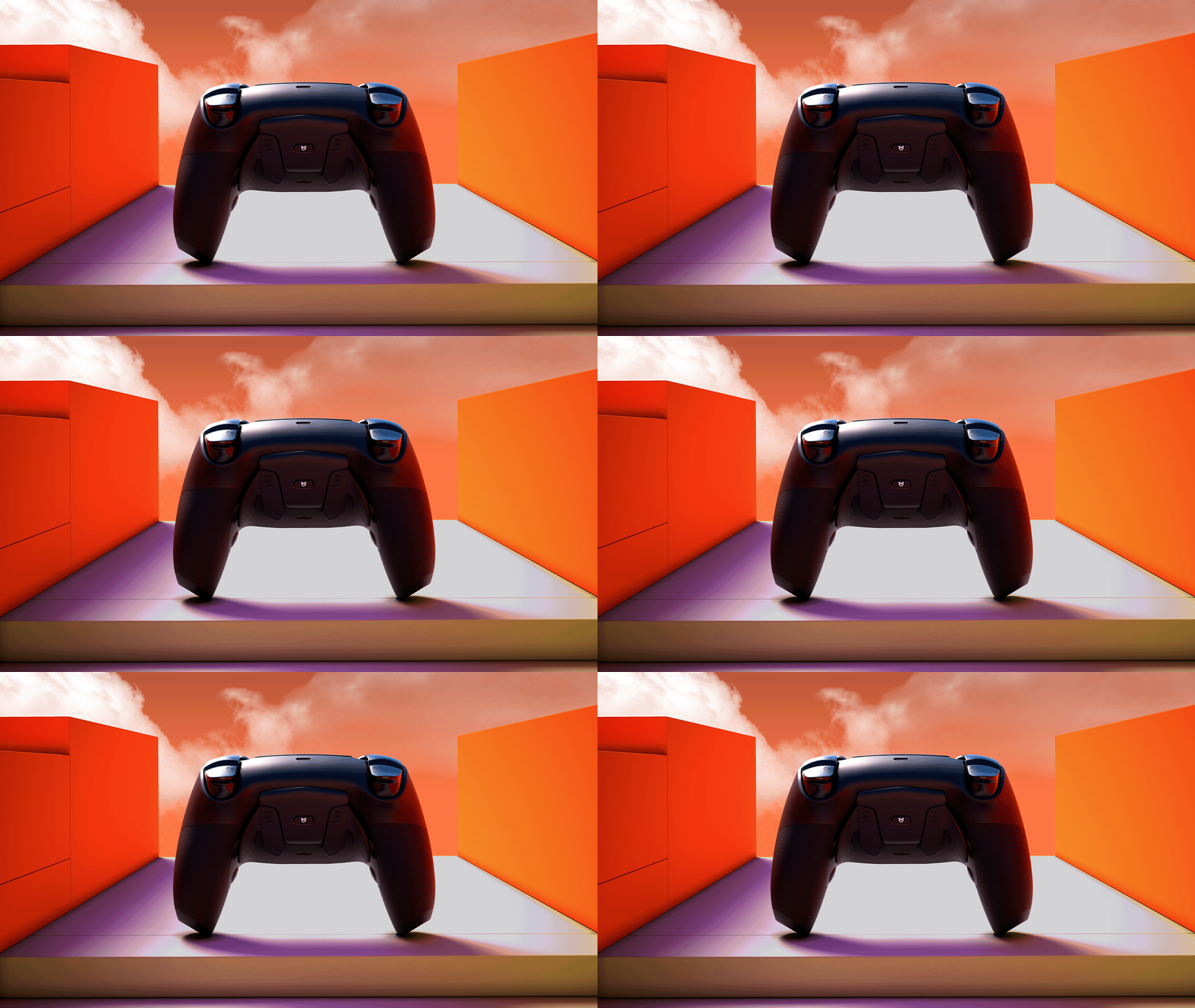
Alt image Alt image Alt image

The same shape.

But it's definitely an evolution.

The shape of the DS4 remains the same,

The "input foundation" has been redesigned.

REACTA

(JDM-5X Rebuild Model)

GET REACTA

Looks like a DS4.
But inside, it’s something else entirely.

We kept the shape but completely overhauled the performance. A model redesigned as "the next answer to the DS4."

The familiar feel, with a surprisingly new sense of control.

Change the "input itself" rather than the "outside."

Title

64 times the input density per second.

This means that fine adjustments to your aim will be "more precisely reflected."

125Hz

Input acquisition every 8ms

8000Hz

Input acquisition every 0.125ms

This is not just a numerical difference.
This means that fine adjustments to your aim will be reflected more precisely.

Title

Why not include Bluetooth?

REACTA is a board specialized for input. Its design has been optimized for "input" to maximize input accuracy.

Rather than aiming for multiple functions, we carefully build up the difference in each frame.

That's REACTA's philosophy.

The following features are not included:

Bluetooth / 2.4GHz wireless connection

Macro function

Vibration motor

Touchpad Function

Built-in battery

For best performance, connect directly to a USB port on the back of your PC.

How is it different from the original DS4?
Why REACTA is considered “next-generation”

  • REACTA

  • Original DS4

REACTA

Ultra-fast response up to 8000 Hz

Input resolution: High precision acquisition

Precision aiming with TMR Stick

Contactless structure for longer lifespan

Secure grip with the rear grip

Title

Original

Signal rate around 250 Hz maximum

Input resolution: Standard

Variable-resistance stick (wears out easily)

Prone to drift over time

Standard shell

Title

REACTA

Ultra-fast response up to 8000 Hz

Input resolution: High precision acquisition

Dead Zone: Fine-tunable

Secure grip with the rear grip

Original DS4

Signal rate around 250 Hz maximum

Input resolution: Standard

Variable-resistance stick (wears out easily)

Prone to drift over time

Standard Shell

REACTA captures inputs in a more detailed and accurate manner.

How can we make the most of the board's precision?

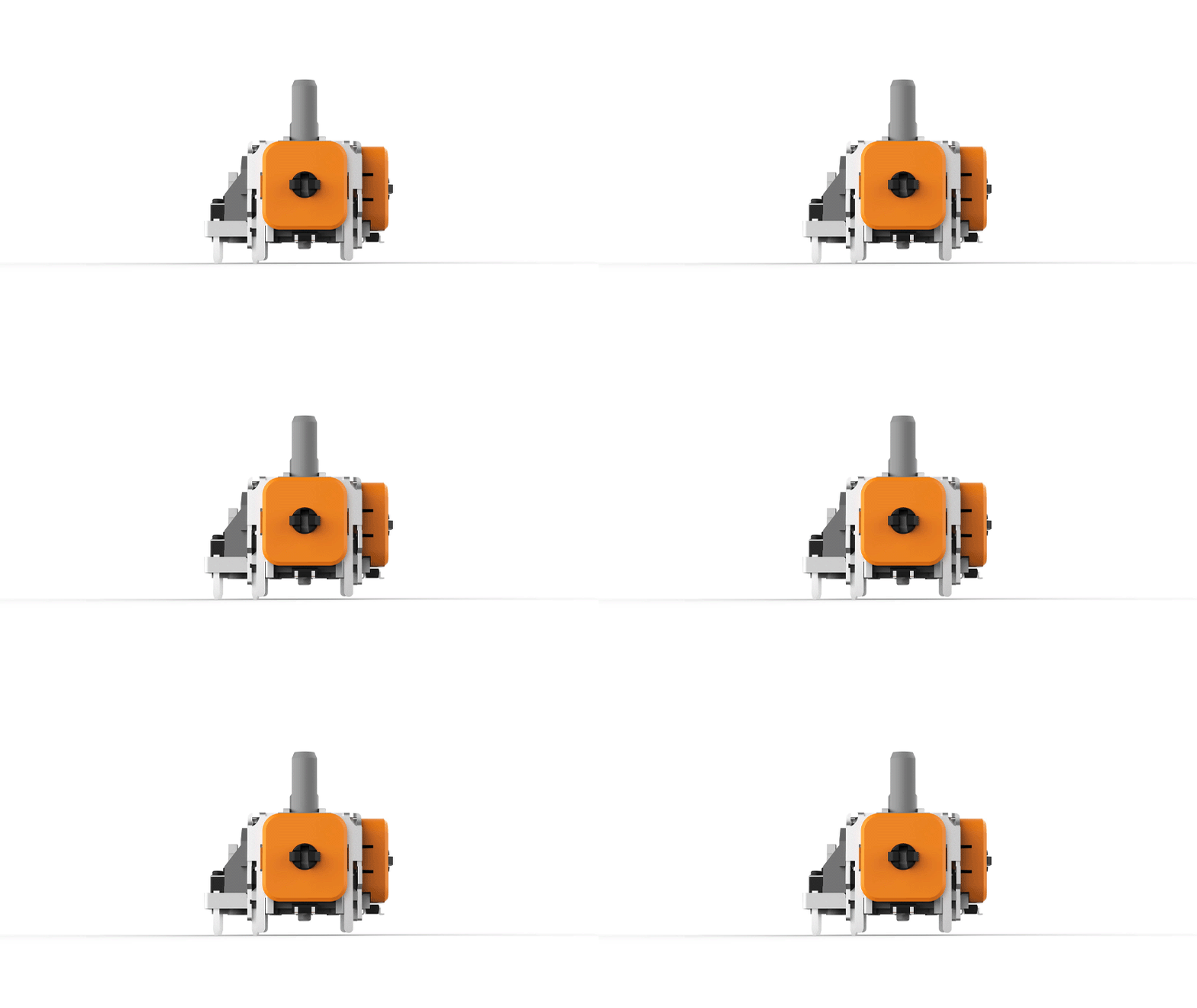
REACTA allows you to select not only the board but also the "operation feel." You can choose the stick that best suits your application.

With REACTA, you can choose not only the base but also the "operation feel."

*Selectable according to the purpose

Once you have decided on the specifications, the next step is to determine how to obtain it.

Title

How do you get your hands on REACTA?

REACTA is not just a circuit board.

As a finished model.

As an upgrade to your current DS4.
As a DIY project to install it yourself.

*REACTA basically provides a completed model (REBUILD).
*Please check the individual product pages for detailed specifications and prices.

REACTA
The core that leads the DS4 into the next generation.

The exterior remains the same, but the interior has been upgraded to the next generation.
REACTA is a performance core that takes the DS4 to a whole new level of operability.

Developed by the world-renowned hardware engineer Marius.

The high-performance custom PCB “Marius JDM-5X” is a high-precision mainboard designed exclusively for the DualShock 4 by the globally acclaimed hardware engineer Marius. It minimizes input latency to the extreme, pursuing pure reaction speed and exceptional control precision. As a “competition-focused model,” it has earned strong support from players around the world.MERKA.G provides this JDM-5X through official channels in Japan, ensuring an environment where players can obtain and use it with complete confidence.

REACTA - The board built to keep reacting.

At MERKA.G, we use the JDM-5X as our “REACTA” board. The name combines React + Active, expressing our aim to create a board that continues to react instantly to every input.When integrated into the REBUILD MODEL, the exterior, internal structure, and overall operability are fully optimized for competitive performance. With our uniquely designed front shell, rear grip, and Type-C connector, we achieve a high-level balance of input precision, grip comfort, and response speed.Designed not only for competitive players but for anyone seeking more accurate control, this is MERKA.G’s flagship PS4 custom controller, built with the highest standards.

Disclaimer

This product is a special model provided as part of an experimental development project by Marius. Therefore, you will find it easier to use if you have a basic understanding of the hardware structure and settings.

MERKA.G is an authorized distributor of this product and offers board assembly and additional customization (optional). For the latest information on product usage and troubleshooting, please check the FAQ, which is updated regularly.

*Some issues caused by board-specific behavior or specifications may be outside the scope of support.

Key settings enabled by REACTA

Polling rate adjustment

Response speed can be optimized in the range of 125 to 8000Hz.

Stick Deadzone

Finely adjust the internal and external deadzones to minimize input play.

Stick Curve

Customize input characteristics based on the amount of tilt. You can adjust the "character" of your aim, such as linear or acceleration.

Trigger Deadzone (L2/R2)

In normal mode (non–click trigger), you can adjust the actuation point distance.

Rear Button Mapping

Models with rear buttons allow you to freely assign inputs.

Title

Additional custom options

Setup Guide — How to use REACTA properly

When you receive your REACTA controller, please begin by flashing the firmware and recalibrating the sticks. In the current specification, stick settings are tied only to the “connected PC,” so the initial setup and recalibration when switching PCs are essential for proper operation.

This specification is planned to be improved in future updates, but for now, be sure to recalibrate upon arrival and whenever using the controller on a different PC.

1|Calibration tool

When starting the device for the first time, please perform calibration using the dedicated tool.

Manual

Tool

2|Recalibration

The REACTA board is dependent on the PC environment in which it is calibrated.
Therefore, be sure to recalibrate immediately after arrival or when connecting to another PC.

*LED and button settings are saved within the board, but stick settings require calibration each time.

3|Operation check

Please check that all inputs are responding correctly and if you have any issues please contact our FAQ page or support.

About updates

REACTA is scheduled to continue to add new features and improve the game.

Check below for the latest updates and tools.

Renew/Update

We will also post new update information on social media (X/Instagram/LINE) from time to time.

Important Information

The greatest feature of the REACTA board is its native support for 8K polling rate. Because of this, there is no need to use third-party overclocking software. The JDM-5X can be configured through the setup link provided in the FAQ and supports the following onboard settings:

・Remappable rear buttons

・Inner / outer deadzone adjustment

・Customization of stick curve response

As this product uses a custom PCB, the following functions are not supported:

・Console connection ・ Bluetooth connectivity ・ Macro functions ・ Key assignment ・ Vibration motors ・ Touchpad functionality ・ Battery

Do not perform overclocking. REACTA already operates at an optimal 8K polling rate. Attempting additional overclocking may cause instability or even reduce response speed. For the best performance, connect the device directly to the rear USB port of your PC (USB-C to USB-A).

サポート

サポート・追加情報

Marius氏に関するサポートや最新情報は、以下の公式プラットフォームでご確認いただけます。


Website

YouTube

Instagram

X / Twitter

Patreon

Discord

Frequently Asked Questions

MERKA.GでREACTA(Marius JDM-5X)を注文するメリットとは?

MERKA.GでREACTA(Marius JDM-5X)を注文する最大のメリットは、届いた瞬間からすぐにプレイできる“完成済みの競技用コントローラー”を入手できる点 にあります。Marius氏から直接購入する場合は取り付けに専門技術が必要ですが、MERKA.Gではボードの組み込みや調整をすべて自社で実施します。そのため、お客様は専門作業を一切行うことなく、届いてすぐ使い始められます。


さらに、MERKA.Gでは


・クリックトリガー/バンパー

・背面ボタン

・独自フロントシェル

・グリップ背面シェル

・TYPE-C端子化


といった MERKA.G独自のカスタム要素と組み合わせた "完成品"を作り上げることができます。


REACTA(JDM-5X)ボードとはどのようなボードですか?

REACTA(JDM-5X)ボードは、Marius Heier氏が開発したPC専用カスタムコントローラーボードで、PS4ボードと同じフォームファクターを採用しています。市場で入手可能な最速クラスのボードのひとつで、GPDLテストにおけるボタンレイテンシーは8KHz時で1.43ms。オーバークロックされた8KHz DualSense(2.11ms)を上回り、最大オーバークロックPS4コントローラー(2.89ms)の約2倍の速度を実現しています。


REACTA(JDM-5X)は、hidusbfなどの専用オーバークロックドライバーを別途インストールすることなく、8KHzのポーリングレートに対応しています。コントローラーの応答性を心配する必要はありません。

このボードでできないこと

Since this product is a custom board, the following functions are not included.

・Console connection function ・Bluetooth connection ・Macro function/key assignment function ・Vibration function ・Touchpad function ・No battery

AXISスティック(MIDAS HE)5PINと3PINオプション(TMR・純正)の違いは?

純正(ALPS)はPlayStationコントローラーに採用されている標準スティックです。純正品と同等の動作・感触を持ちますが、カーボントラック式ポテンショメーターの性質上、経年によるスティックドリフトがほぼ避けられません。純正に近い感覚を優先する方に適しています。


スティックドリフトを長期的に抑えたい場合は、AXISスティック(MIDAS HE)5PINまたはTMR 3PINをおすすめします。いずれも磁気センサーを採用しており、カーボントラックの摩耗によるドリフトが発生しにくい設計です。


・AXISスティック(MIDAS HE)5PIN:ホールエフェクト磁気センサーをアレイ構成で使用し、検証用の追加ピンを2本備えています。ホールエフェクトテクノロジー自体はTMRより古い技術ですが、このセンサーアレイ構成は通常単一センサーのみを使用する一般的なホールエフェクトスティックとは根本的に異なります。広い磁場領域から信頼性の高いデータを取得できるのが特長です。


・TMRスティック  3PIN:コントローラーで使用できる最高精度の磁気シングルセンサーテクノロジーであるTMR(トンネル磁気抵抗)センサーを採用。AXISスティック(MIDAS HE)のような追加検証ピンやセンサーアレイはありませんが、精度は依然として高く、ドリフトもまれです。純正に近い操作感という声が多く聞かれます。


どちらが優れているかは個人の好みによります。TMRは一般的にホールエフェクトより新しい技術ですが、AXISスティック(MIDAS HE)はセンサーアレイと追加ピンによってより安定した信号を実現しています。Magnetoは純正に近い感覚でコストを抑えられます。どちらも優れた選択肢です。

What brand is the TMR stick?

MERKA.Gでは、HALLPI製のTMRスティックを採用しています。

HALLPI製TMRスティックは、純正スティック(ALPS製)に近いテンションと操作感を持ちながら、非接触方式による安定性と耐久性を両立している点を評価しています。

数あるTMRスティックの中でも、従来の操作感から大きく変わりすぎないことを重視し、現在はHALLPI製を基準として採用しています。


※新バージョンがリリースされ次第、情報を更新します。最終更新日:2026年3月13日

What is AXIS Stick (HE)?

AXISスティック(HE)は、エンジニア Marius Heier 氏 によって設計されたREACTA(PS4 JDM-5X)専用のホールエフェクトスティック構成です。本構成は、MIDAS(Magnetic Integrated Digital Array Sensors) と呼ばれる設計思想をベースに、円形マグネット構造と5ピン構成による信号取得を採用しています。


従来の3ピンHEスティックで起こりやすかった入力のばらつきや軸ごとの感覚差を抑え、入力の安定性・再現性を重視した設計となっています。MERKA.Gでは、MIDAS設計の特徴である「入力の安定性」を軸(AXIS)として捉えた、MERKA.G独自の呼称です。

なぜMERKA.Gでは、Mariusと同じ「Ginfullスティックボックス(軸機構)」を採用していないのですか?

スティック軸構造(メカ)に対する考え方の違いによるものです。
MERKA.Gで「AXIS」と呼んでいる構成についても、軸(スティックボックス)自体はALPS製を使用しています。
Ginfulスティックボックス(軸機構)についても検証を行いましたが、センターへ戻る感覚(戻りのタイミングや反発の質感)に個体差が大きいと判断しました。
これは性能の優劣というより、操作感の基準が大きく変わってしまうことによるものです。そのためMERKA.Gでは、多くのユーザーにとって親しみやすく、基準を揃えやすいALPS製の軸構造を採用しています。


※今後、スティック組み立ての効率化によりGinfulへ変更される場合があります。変更の事前告知は行いません。

トリガーはどちらのモードに設定すればいいですか?

すべてのREACTA(JDM-5X)搭載コントローラーにおいて、トリガーはアナログに設定してください。ストックトリガー・クリックトリガーどちらの場合も同様です。


初期セットアップ中に「この手順をスキップする」を選択しないでください。誤ってスキップした場合も、セットアップを再実行することで修正できます。設定メニューの[トリガー構成]セクションでアナログに設定されているかご確認ください。
デジタルを選択した場合、コントローラーはEagleボード上のトリガーを探すよう指示されるため、正常に動作しません。


※本情報は将来のボードリビジョンまたはソフトウェアアップデートにより変更される場合があります。最終更新日:2026年3月13日

ヘアトリガー閾値を変更しても反応が変わりません

REACTA(JDM-5X)では、ヘアトリガー閾値のスライダーが期待どおりに動作しません。

そのためMERKA.Gでは100%に設定して事実上無効にしています。

スティックの3PINと5PINは交換できますか?

3PINと5PINのスティックとボードには互換性がありません。スティックが接続されるボード自体が異なるため、交換するには適切なバージョンの新しいボードが必要です。詳細はお問い合わせください。

 開封してすぐにプレイできますか?

はい、開封してすぐにお使いいただけます。出荷前に技術者がセットアップとキャリブレーションを実施しています。


※初期設定は最適な状態に調整されていますが、お好みに合わせてhttps://setup.mariusheier.comからカスタマイズすることも可能です。

PCで使用する際に追加ソフトウェアは必要ですか?

不要です。REACTA(JDM-5X)はPS4と同じフォームファクターを採用していますが、PS4互換ボードではありません。PC専用設計のため、DS4-Windowsなどの追加ソフトウェアなしでプラグアンドプレイでお使いいただけます。

セットアップ構成と更新リンク

セットアップや再調整、ボタンの再マッピングを行う際は、以下のリンクからアクセスしてください。


セットアップ:
https://setup.mariusheier.com/


最新のファームウェアやアップデート情報については、Mariusさんの公式チャンネルをご利用ください。


ファームウェア更新ページ:
https://update.mariusheier.com/


更新に関するお知らせは、Marius氏が運営する公式チャンネルをご利用ください。

MERKA.Gの初期セットアップ内容を教えてください

スティック設定

内側デッドゾーン:1 ~ 2%
外側デッドゾーン:3 ~ 5%


外側デッドゾーンを上げることで、真円度エラー率を純正品に近い範囲に抑え、対角線方向の動作が鈍くなるリスクを低減しています。
詳細モードにて各基本方向(上下左右)が最大値に到達しやすいよう微調整(正確な値はコントローラーにより異なります)


トリガー設定

モード:アナログ(詳細は「トリガーはどちらのモードに設定すればいいですか?」をご参照ください)
Rest(静止位置):各コントローラーにより個別に調整

Press(最大入力位置): 各コントローラーにより個別に調整

ヘア トリガー: 100%(このスライダーは期待どおりに動作しないため、100%に設定して事実上無効にしています.)


LED

カラー : #FF5300(MERKA.Gオレンジ)


背面ボタン

左 : ✕

右 : 〇


ポーリングレート

8000Hz

接続方法と端子仕様について

The REACTA board is designed with input accuracy as the top priority, so its operation may vary depending on the connection environment.

・ Depending on the PC specifications and gaming environment, USB-C to USB-A may not function properly.

・If operation is unstable, please use USB-C to USB-C.

- Do not use a USB hub or front USB port; connect directly to the I/O port on the back of the PC.

*Due to the USB control specifications, poor recognition, unstable connection, and reduced polling may occur.
*This is not a product defect.

ポーリングレートはどこで確認できますか?

https://tools.mariusheier.comのDEEPPOLLツールをご利用ください。
※このツールはポーリングレートの計測専用です。入力レイテンシ自体の測定には対応していません。

ご不明な点はMariusのDiscordサーバー(https://discord.com/invite/QcCkfbkp3S)にてご確認ください。

ボードが8KHzで動作しない場合はどうすればいいですか?

まず以下をご確認ください。


セットアップ設定:ポーリングレートスライダーがリセットされていないか確認し、キャリブレーションを再保存してください。
ケーブルの仕様:USB-A → USB-C、USB 3.0以上を推奨します。
接続先のUSBポート:USBハブやフロントパネルは避け、マザーボードへ直接接続してください。


上記で解決しない場合は、MariusのDiscordサーバーhttps://discord.com/invite/QcCkfbkp3Sにてサポートをご依頼ください。
※ポーリングレートの確認にはhttps://tools.mariusheier.comのDEEPPOLLツールをご利用ください。

HIDUSBFをREACTA(JDM-5X)コントローラーで使用できますか?

ソフトウェア自体は問題なく動作します。ただし、REACTA(JDM-5X)ボードや接続USBポートにHIDUSBFでオーバークロックを適用すると、パフォーマンスが低下する可能性があります。8KHzの設定はMariusのセットアップページからのみ適用してください。

It looks like a DS4.
But the contents are something else.

"Evolution without changing shape" - that's REACTA.

BUY REACTA

Apply for the Send-in Service

Other columns