MERKA.G PS5 Dualsense Custom Controller Back Button カスタムコントローラー 背面ボタン MG Series Original Design MERKA.G PS5 Dualsense Custom Controller Back Button カスタムコントローラー 背面ボタン MG Series Original Design MERKA.G PS5 Dualsense Custom Controller Back Button カスタムコントローラー 背面ボタン MG Series Original Design

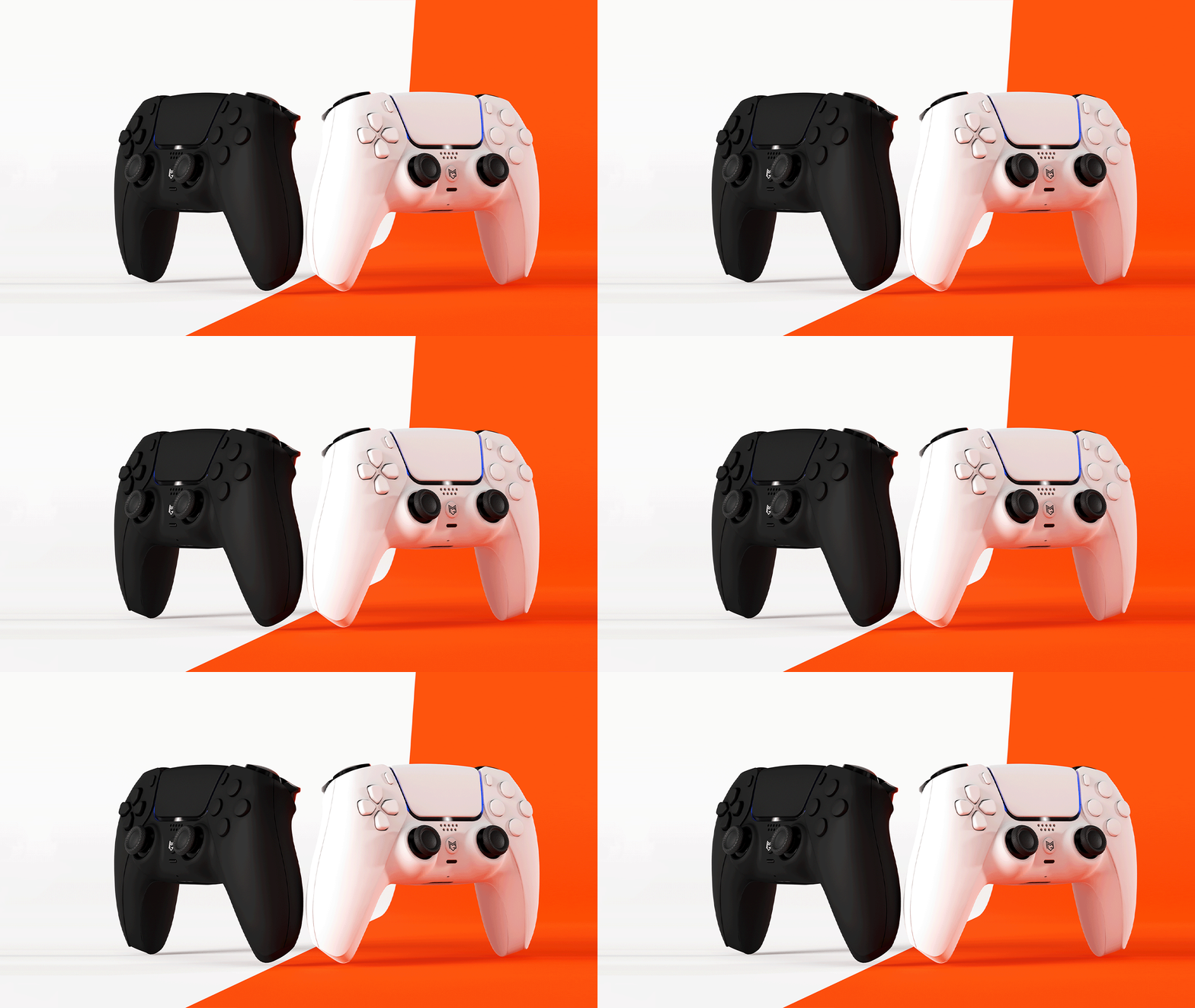
Same shape.

True evolution.

DS4の形はそのままに、"入力の土台"を再設計しました。

REACTA

( JDM-5X Rebuild Model )

REACTAを手に入れる

MERKA.G PS5 Dualsense Custom Controller Back Button カスタムコントローラー 背面ボタン MG Series Original Design
Alt image Alt image Alt image

変わらない形。

ただ、確かな進化。

DS4の形はそのままに、

"入力の土台"を再設計しました。

REACTA

( JDM-5X Rebuild Model )

REACTAを手に入れる

Looks like a DS4.
But inside, it’s something else entirely.

We kept the shape but completely overhauled the performance. A model redesigned as "the next answer to the DS4."

The familiar feel, with a surprisingly new sense of control.

「外側」ではなく、「入力そのもの」を変える。

Title

1秒間に、64倍の入力密度。

それは、エイムの微調整が"より細かく反映される"ということ。

125Hz

8msごとに入力取得

8000Hz

0.125msごとに入力取得

これは単なる数値の差ではありません。
エイムの微調整が、より細かく反映されるということです。

Title

なぜBluetoothを搭載しないのか?

REACTAは、入力に特化したボードです。入力精度を最大化するために、設計を“入力”へと最適化しています。

多機能を目指すのではなく、1フレームの差を丁寧に積み上げていく。


それがREACTAの考え方です。

以下の機能は搭載されていません

Bluetooth / 2.4GHz 無線接続

マクロ機能

振動モーター

タッチパッド機能

内蔵バッテリー

最高のパフォーマンスを得るため、PC背面のUSBポートへ直接接続してください。

How is it different from the original DS4?
Why REACTA is considered “next-generation”

  • REACTA

  • Original DS4

REACTA

Ultra-fast response up to 8000 Hz

USB TYPE-C

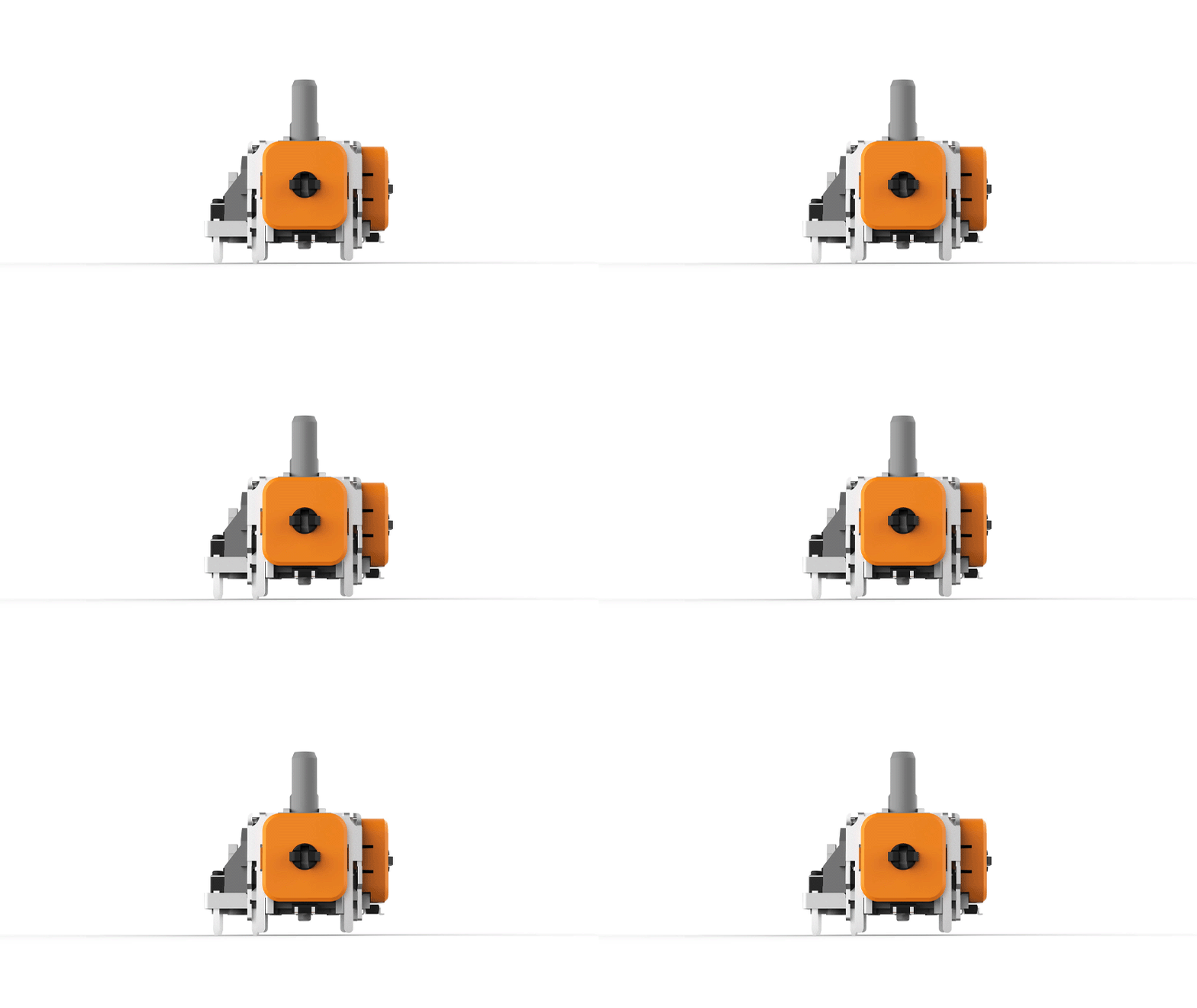
Precision aiming with TMR Stick

Contactless structure for longer lifespan

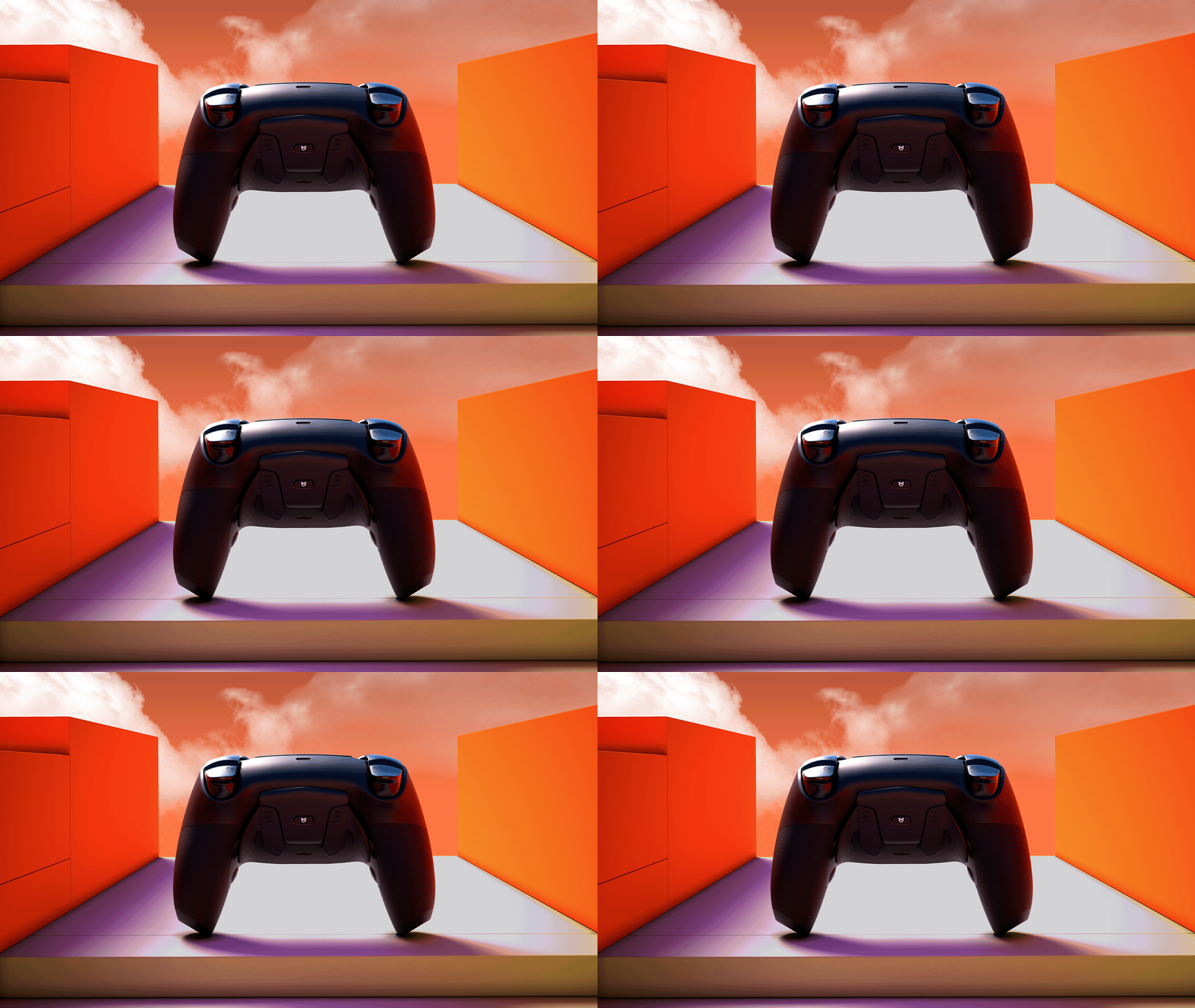
Secure grip with the rear grip

Title

Original

Signal rate around 250 Hz maximum

microUSB

Variable-resistance stick (wears out easily)

Prone to drift over time

Standard shell

Title

REACTA

Ultra-fast response up to 8000 Hz

USB TYPE-C

Stick fine adjustment

Secure grip with the rear grip

Original DS4

Signal rate around 250 Hz maximum

microUSB

Variable-resistance stick (wears out easily)

Prone to drift over time

Standard Shell

REACTAは、入力を“より細かく、より正確に”取得します。

ボードの精度を、どう活かすか。

REACTAは、基板だけでなく"操作感"も選択可能。用途に合わせて最適なスティックを選べます。

REACTAは、土台だけでなく“操作感”も選べる。

※用途に応じて選択可能


仕様を決めたら、次は入手方法。

Title

How to get it – How to get REACTA?

REACTAは、"基板だけ"ではありません。

完成モデルとして。

今のDS4のアップグレードとして。
自分で組み込むDIYとして。

*This model is currently under preparation. The release date and detailed specifications will be announced on this page once they are confirmed.

*REACTA will be offered as a completed model (REBUILD). For detailed specifications and pricing, please see the product page.

REACTA
The core that leads the DS4 into the next generation.

外観はそのままに、内部だけを次世代化。
REACTAはDS4を"別次元の操作性"へ導く、パフォーマンスコアです。

Developed by the world-renowned hardware engineer Marius.

The high-performance custom PCB “Marius JDM-5X” is a high-precision mainboard designed exclusively for the DualShock 4 by the globally acclaimed hardware engineer Marius. It minimizes input latency to the extreme, pursuing pure reaction speed and exceptional control precision. As a “competition-focused model,” it has earned strong support from players around the world.MERKA.G provides this JDM-5X through official channels in Japan, ensuring an environment where players can obtain and use it with complete confidence.

REACTA - The board built to keep reacting.

At MERKA.G, we use the JDM-5X as our “REACTA” board. The name combines React + Active, expressing our aim to create a board that continues to react instantly to every input.When integrated into the REBUILD MODEL, the exterior, internal structure, and overall operability are fully optimized for competitive performance. With our uniquely designed front shell, rear grip, and Type-C connector, we achieve a high-level balance of input precision, grip comfort, and response speed.Designed not only for competitive players but for anyone seeking more accurate control, this is MERKA.G’s flagship PS4 custom controller, built with the highest standards.

Disclaimer

This product is a special model provided as part of an experimental development project by Marius. Therefore, you will find it easier to use if you have a basic understanding of the hardware structure and settings.

MERKA.G is an authorized distributor of this product and offers board assembly and additional customization (optional). For the latest information on product usage and troubleshooting, please check the FAQ, which is updated regularly.

*Some issues caused by board-specific behavior or specifications may be outside the scope of support.

Key settings enabled by REACTA

Polling rate adjustment

Response speed can be optimized in the range of 125 to 8000Hz.

Stick Deadzone

Finely adjust the internal and external deadzones to minimize input play.

Stick Curve

Customize input characteristics based on the amount of tilt. You can adjust the "character" of your aim, such as linear or acceleration.

Trigger Deadzone (L2/R2)

In normal mode (non–click trigger), you can adjust the actuation point distance.

Rear Button Mapping

Models with rear buttons allow you to freely assign inputs.

Title

Additional custom options

Setup Guide — How to use REACTA properly

When you receive your REACTA controller, please begin by flashing the firmware and recalibrating the sticks. In the current specification, stick settings are tied only to the “connected PC,” so the initial setup and recalibration when switching PCs are essential for proper operation.

This specification is planned to be improved in future updates, but for now, be sure to recalibrate upon arrival and whenever using the controller on a different PC.

1|Calibration tool

When starting the device for the first time, please perform calibration using the dedicated tool.

Manual

Tool

2|Recalibration

The REACTA board is dependent on the PC environment in which it is calibrated.
Therefore, be sure to recalibrate immediately after arrival or when connecting to another PC.

*LED and button settings are saved within the board, but stick settings require calibration each time.

3|Operation check

Please check that all inputs are responding correctly and if you have any issues please contact our FAQ page or support.

About updates

REACTA is scheduled to continue to add new features and improve the game.

Check below for the latest updates and tools.

Renew/Update

We will also post new update information on social media (X/Instagram/LINE) from time to time.

Important Information

The greatest feature of the REACTA board is its native support for 8K polling rate. Because of this, there is no need to use third-party overclocking software. The JDM-5X can be configured through the setup link provided in the FAQ and supports the following onboard settings:

・Remappable rear buttons

・Inner / outer deadzone adjustment

・Customization of stick curve response

As this product uses a custom PCB, the following functions are not supported:

・Console connection ・ Bluetooth connectivity ・ Macro functions ・ Key assignment ・ Vibration motors ・ Touchpad functionality ・ Battery

Do not perform overclocking. REACTA already operates at an optimal 8K polling rate. Attempting additional overclocking may cause instability or even reduce response speed. For the best performance, connect the device directly to the rear USB port of your PC (USB-C to USB-A).

よくある質問

MERKA.GでJDM-5X(REACTA)を注文するメリットとは?

MERKA.G で JDM-5X(REACTAボード)を注文する最大のメリットは、届いた瞬間からすぐにプレイできる“完成済みの競技用コントローラー”を入手できる点 にあります。Marius氏から直接購入する場合は取り付けに専門技術が必要ですが、MERKA.G ではボードの組み込みや調整をすべて自社で実施します。そのため、お客様は専門作業を一切行うことなく、届いてすぐ使い始められます。


さらに、MERKA.G では


・クリックトリガー/バンパー

・背面ボタン

・独自フロントシェル

・グリップ背面シェル

・TYPE-C端子化


といった MERKA.G独自のカスタム要素と組み合わせた “完成品” を作り上げることができます。


セットアップ構成と更新リンク

セットアップや再調整、ボタンの再マッピングを行う際は、以下のリンクからアクセスしてください。


セットアップ(TMRスティック):
https://devsetup.mariusheier.com/


最新のファームウェアやアップデート情報については、Mariusさんの公式チャンネルをご利用ください。


ファームウェア更新ページ:
https://update.mariusheier.com/


更新に関するお知らせは、Marius氏が運営する公式チャンネルをご利用ください。

接続方法と端子仕様について

このボードは 有線接続専用 です。USB-C to USB-A ケーブルを使用し、PC背面のI/Oポートへ直接接続してください。

前面USBポートや USBハブ経由での接続には対応しておらず、これらを使用すると正常に動作しない場合があります。

なお、MERKA.G の REBUILD MODEL および 持ち込みサービス では、標準で USB Type-C 端子を実装しています。


また、MERKA.G にて REACTA ボード用オプションを追加された場合、接続用として 汎用10フィート(約2m)の USB-A to USB-C ケーブルが同梱 されます。

このボードでできないこと

本製品はカスタム基板のため、以下の機能は非搭載となります。


・コンソール接続機能・Bluetooth接続・マクロ機能/キー割り当て機能・振動機能・タッチパッド機能・バッテリー非搭載

TMRスティックはどのメーカーのものですか? 

MERKA.Gでは、HALLPI製のTMRスティックを採用しています。

HALLPI製TMRスティックは、純正スティック(ALPS製)に近いテンションと操作感を持ちながら、非接触方式による安定性と耐久性を両立している点を評価しています。

数あるTMRスティックの中でも、従来の操作感から大きく変わりすぎないことを重視し、現在はHALLPI製を基準として採用しています。

※TMRスティックについては、今後のテスト結果に応じて、採用構成が変更される可能性があります。

AXISスティック(HE)とは?

AXISスティック(HE)は、エンジニア Marius Heier 氏 によって設計されたREACTA(PS4 JDM-5X)専用のホールエフェクトスティック構成です。

本構成は、MIDAS(Magnetic Integrated Digital Array Sensors) と呼ばれる設計思想をベースに、円形マグネット構造と5ピン構成による信号取得を採用しています。

従来の3ピンHEスティックで起こりやすかった入力のばらつきや軸ごとの感覚差を抑え、入力の安定性・再現性を重視した設計となっています。

MERKA.Gでは、MIDAS設計の特徴である「入力の安定性」を軸(AXIS)として捉えた、MERKA.G独自の呼称です。

なぜMERKA.Gでは、Mariusと同じ「Ginfulスティックボックス(軸機構)」を採用していないのですか?

スティック軸構造(メカ)」に対する考え方の違いによるものです。

MERKA.Gで「AXIS」と呼んでいる構成についても、軸(スティックボックス)自体はALPS製を使用しています。

Ginfulスティックボックス(軸機構)についても検証を行いましたが、センターへ戻る感覚(戻りのタイミングや反発の質感)に個体差が大きいと判断しました。

これは性能の優劣というより、操作感の基準が大きく変わってしまうことによるものです。

そのためMERKA.Gでは、多くのユーザーにとって親しみやすく、基準を揃えやすいALPS製の軸構造を採用しています。

サポート・追加情報

Marius氏に関するサポートや最新情報は、以下の公式プラットフォームでご確認いただけます。


Website

YouTube

Instagram

X / Twitter

Patreon

Discord

対応している支払方法は?

領収書は発行されますか?

商品と同梱させて頂いてます。プレゼントなどで領収書を不要な場合はカートページ内にある注文メモに記載をお願いします。

※お届け先と注文者様の氏名が違う場合は領収書は同梱しません。

見た目はDS4。
でも、中身は、別物。

「形を変えない進化」それがREACTAです。

View detailed specifications and prices

Apply for the Send-in Service

その他コラム