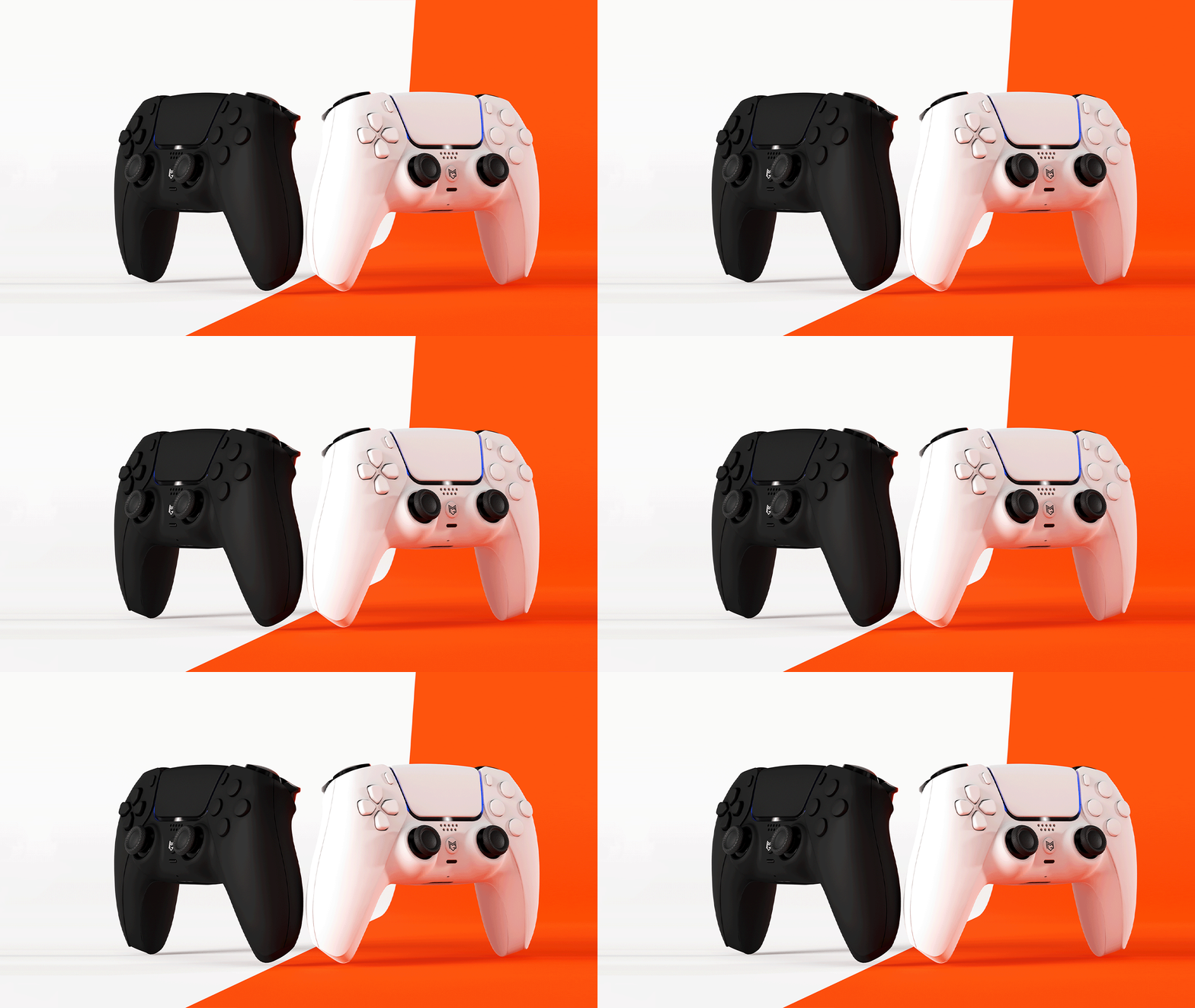
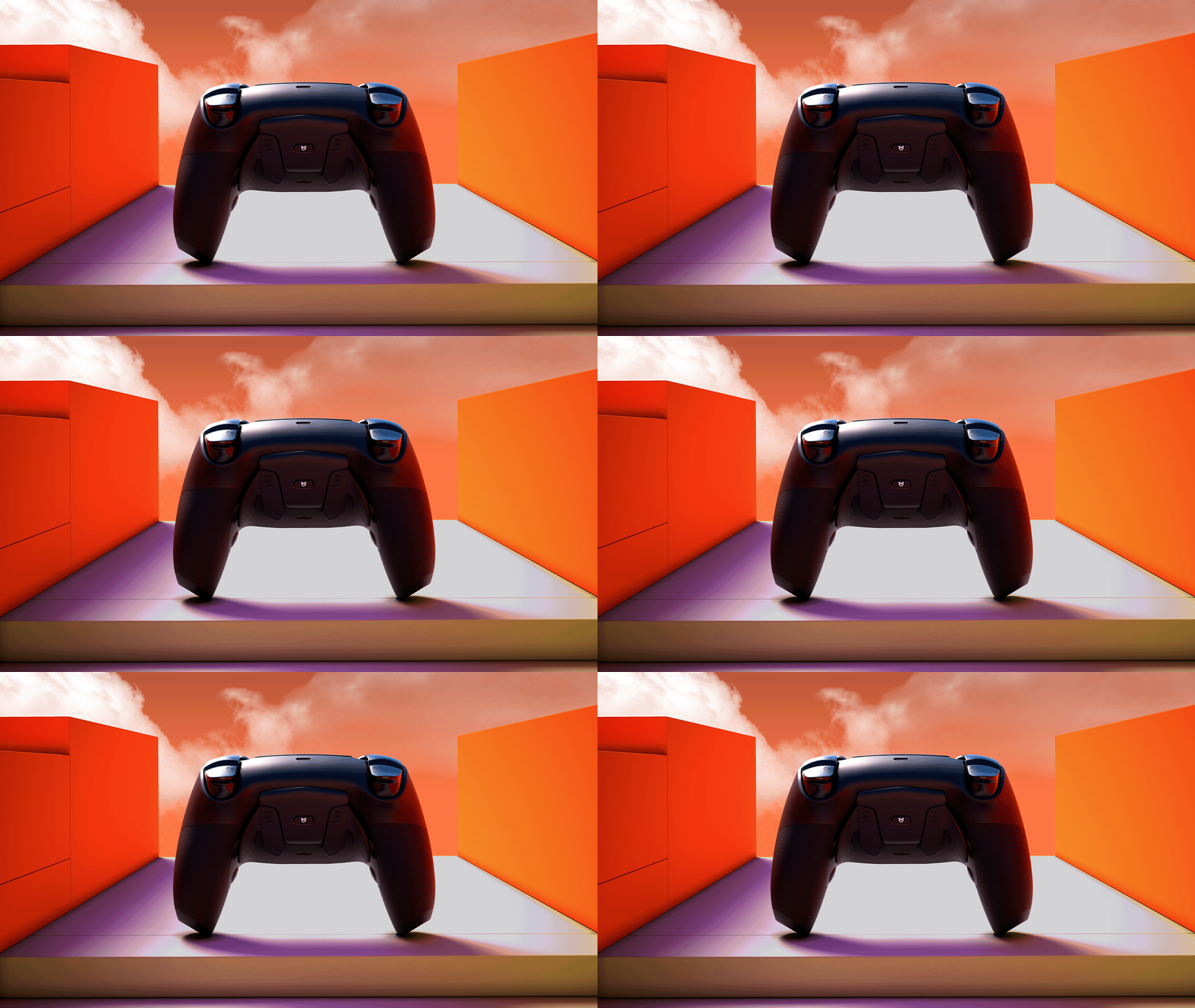
MERKA.G PS5 Dualsense Custom Controller Back Button カスタムコントローラー 背面ボタン MG Series Original Design MERKA.G PS5 Dualsense Custom Controller Back Button カスタムコントローラー 背面ボタン MG Series Original Design MERKA.G PS5 Dualsense Custom Controller Back Button カスタムコントローラー 背面ボタン MG Series Original Design

Same shape.

True evolution.

New performance.

Rebuild

Send-in Service

MERKA.G PS5 Dualsense Custom Controller Back Button カスタムコントローラー 背面ボタン MG Series Original Design

Same shape.

True evolution.

New performance.

Rebuild

Send-in Service

Looks like a DS4.
But inside, it’s something else entirely.

We kept the shape but completely overhauled the performance. A model redesigned as "the next answer to the DS4."

The familiar feel, with a surprisingly new sense of control.

Title

What has evolved?

REACTA
The core that leads the DS4 into the next generation.

The exterior remains the same, but the interior has been upgraded to the next generation.
REACTA is a performance core that takes the DS4 to a whole new level of operability.

Developed by the world-renowned hardware engineer Marius.

The high-performance custom PCB “Marius JDM-5X” is a high-precision mainboard designed exclusively for the DualShock 4 by the globally acclaimed hardware engineer Marius. It minimizes input latency to the extreme, pursuing pure reaction speed and exceptional control precision. As a “competition-focused model,” it has earned strong support from players around the world.MERKA.G provides this JDM-5X through official channels in Japan, ensuring an environment where players can obtain and use it with complete confidence.

REACTA - The board built to keep reacting.

At MERKA.G, we use the JDM-5X as our “REACTA” board. The name combines React + Active, expressing our aim to create a board that continues to react instantly to every input.When integrated into the REBUILD MODEL, the exterior, internal structure, and overall operability are fully optimized for competitive performance. With our uniquely designed front shell, rear grip, and Type-C connector, we achieve a high-level balance of input precision, grip comfort, and response speed.Designed not only for competitive players but for anyone seeking more accurate control, this is MERKA.G’s flagship PS4 custom controller, built with the highest standards.

Disclaimer

This product is a special model provided as part of an experimental development project by Marius. Therefore, you will find it easier to use if you have a basic understanding of the hardware structure and settings.

MERKA.G is an authorized distributor of this product and offers board assembly and additional customization (optional). For the latest information on product usage and troubleshooting, please check the FAQ, which is updated regularly.

*Some issues caused by board-specific behavior or specifications may be outside the scope of support.

Title

Key settings enabled by REACTA

Polling rate adjustment

Response speed can be optimized in the range of 1000 to 8000Hz.

Stick Deadzone

Finely adjust the internal and external deadzones to minimize input play.

Stick Curve

Customize input characteristics based on the amount of tilt. You can adjust the "character" of your aim, such as linear or acceleration.

*Currently unavailable due to preparation for update.

Trigger Deadzone (L2/R2)

In normal mode (non–click trigger), you can adjust the actuation point distance.

Rear Button Mapping

Models with rear buttons allow you to freely assign inputs.

Title

How is it different from the original DS4?
Why REACTA is considered “next-generation”

  • REACTA

  • Original DS4

REACTA

Ultra-fast response up to 8000 Hz

USB TYPE-C

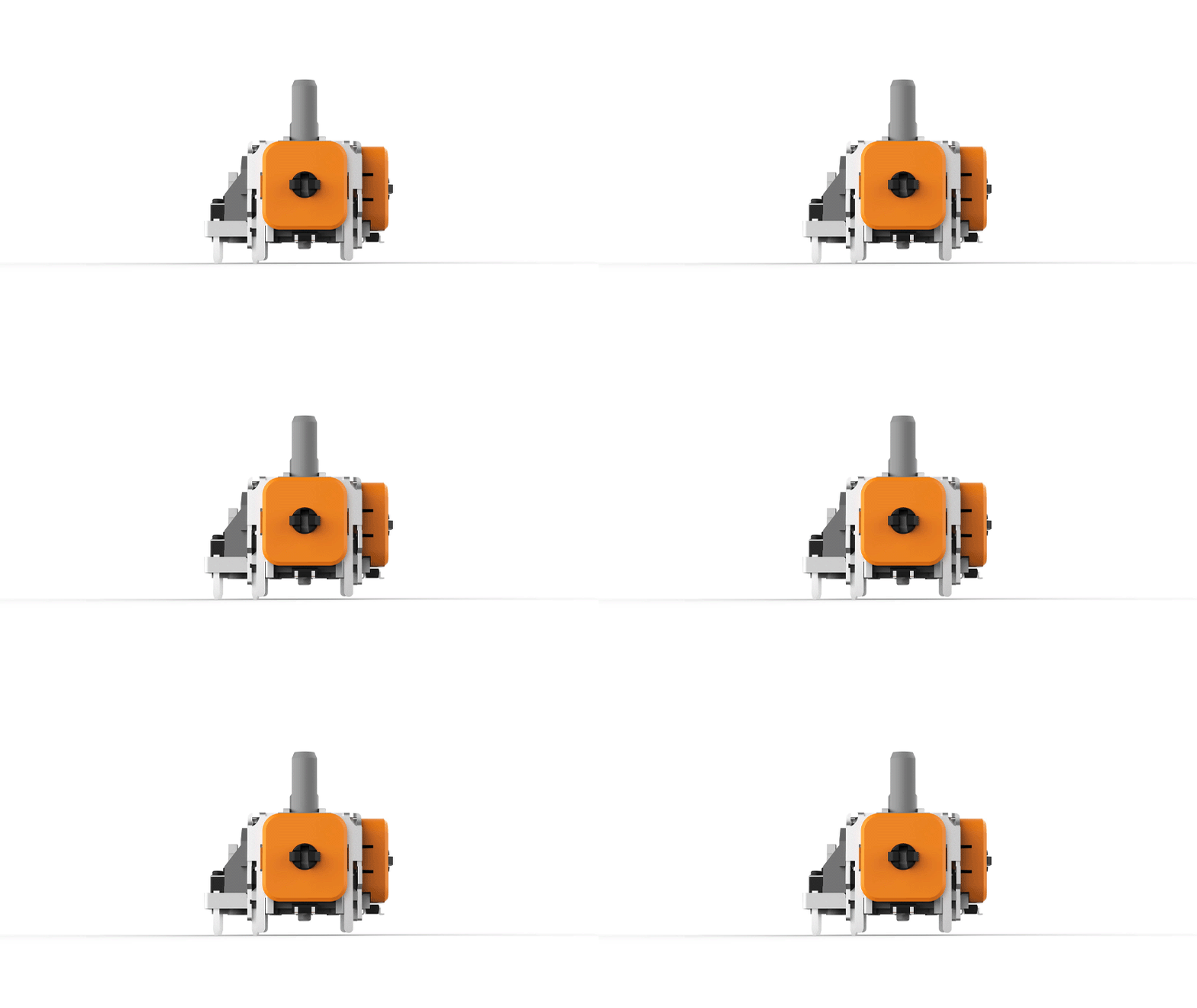
Precision aiming with TMR Stick

Contactless structure for longer lifespan

Secure grip with the rear grip

Title

Original

Signal rate around 250 Hz maximum

microUSB

Variable-resistance stick (wears out easily)

Prone to drift over time

Standard shell

Title

REACTA

Ultra-fast response up to 8000 Hz

USB TYPE-C

Precision aiming with TMR Stick

Contactless structure for longer lifespan

Secure grip with the rear grip

Original DS4

Signal rate around 250 Hz maximum

microUSB

Variable-resistance stick (wears out easily)

Prone to drift over time

Standard Shell

How to get it – How to get REACTA?

Additional custom options

Title

Setup Guide — How to use REACTA properly

When you receive your REACTA controller, please begin by flashing the firmware and recalibrating the sticks. In the current specification, stick settings are tied only to the “connected PC,” so the initial setup and recalibration when switching PCs are essential for proper operation.

This specification is planned to be improved in future updates, but for now, be sure to recalibrate upon arrival and whenever using the controller on a different PC.

1|Flashing the board

When starting up for the first time, please use the dedicated tool to flash (write) the firmware.

Set up

2|Recalibration

The REACTA board is dependent on the PC environment in which it is calibrated.
Therefore, be sure to recalibrate immediately after arrival or when connecting to another PC.

*LED and button settings are saved within the board, but stick dead zones require calibration each time.

3|Operation check

Please check that all inputs are responding correctly and if you have any issues please contact our FAQ page or support.

About updates

REACTA is scheduled to continue to add new features and improve the game.

Check below for the latest updates and tools.

Renew/Update

We will also post new update information on social media (X/Instagram/LINE) from time to time.

Title

Important Information

The greatest feature of the REACTA board is its native support for 8K polling rate. Because of this, there is no need to use third-party overclocking software. The JDM-5X can be configured through the setup link provided in the FAQ and supports the following onboard settings:

・Remappable rear buttons

・Inner / outer deadzone adjustment

・Customization of stick curve response

As this product uses a custom PCB, the following functions are not supported:

・Console connection ・ Bluetooth connectivity ・ Macro functions ・ Key assignment ・ Vibration motors ・ Touchpad functionality ・ Battery

Do not perform overclocking. REACTA already operates at an optimal 8K polling rate. Attempting additional overclocking may cause instability or even reduce response speed. For the best performance, connect the device directly to the rear USB port of your PC (USB-C to USB-A).

Frequently Asked Questions

What are the benefits of ordering the JDM-5X (REACTA) from MERKA.G?

The biggest advantage of ordering the JDM-5X (REACTA board) from MERKA.G is that you can receive a fully assembled competitive controller ready to play the moment it arrives. When purchasing directly from Mr. Marius, installation requires technical expertise, but at MERKA.G we handle all board installation and tuning in-house. This means customers do not need any specialized work and can start using it immediately.

Furthermore, MERKA.G allows you to combine the board with:

・Click Trigger / Bumper

・Rear buttons

・Original front shell

・Rear grip shell

・TYPE-C port conversion

This enables us to create a fully finished product that integrates MERKA.G’s unique customization features.

Setup Configuration and Update Links

For setup, readjustment, or button remapping, please access the links below.

Setup (TMR Stick):
https://devsetup.mariusheier.com/

;

For the latest firmware and update information, please refer to Mr. Marius’s official channel.

Firmware update page:
https://update.mariusheier.com/

Please use the official channel operated by Mr. Marius for update announcements.

Connection method and terminal specifications

This board is wired-connection only. Please use a USB-C to USB-A cable and connect it directly to the rear I/O port of your PC.

It does not support front USB ports or connections through a USB hub, and using them may result in improper operation.

Additionally, MERKA.G’s REBUILD MODEL and Send-in Service come standard with a USB Type-C port.

If you added REACTA board options at MERKA.G, a generic 10-foot (approx. 2 m) USB-A to USB-C cable will be included for connection.

What this board can't do

Because this product uses a custom PCB, the following functions are not supported.

・Console connection ・ Bluetooth connectivity ・ Macro / key assignment functions ・ Vibration function ・ Touchpad function ・ No battery

Why doesn’t MERKA.G use Ginful stick?

At MERKA.G, we use HALLPI’s “TMR Sticks,” which provide tension and operational feel similar to the original ALPS-made sticks. We also tested Ginful models, but found notable differences in center-return feel and overall operation. For this reason, we continue to adopt TMR Sticks to ensure a more natural and consistent control experience.

Support & Additional Information

For support and the latest information about Marius, please visit his official platforms:

Website

YouTube

Instagram

X / Twitter

Patreon

Discord

What payment methods are available?

Can a receipt be issued?

If you do not need a receipt, such as for a gift, please write it in the order notes on the cart page.

*If the delivery address and the name of the orderer are different, a receipt will not be included.

Experience REACTA!

Buy REBUILD MODEL

Apply for the Send-in Service

Other columns