We'll show you how to reset your DualSense (PS5) or PS4 controller, as well as what to do if you can't press the reset button. Please use this if you have any problems.
What you need
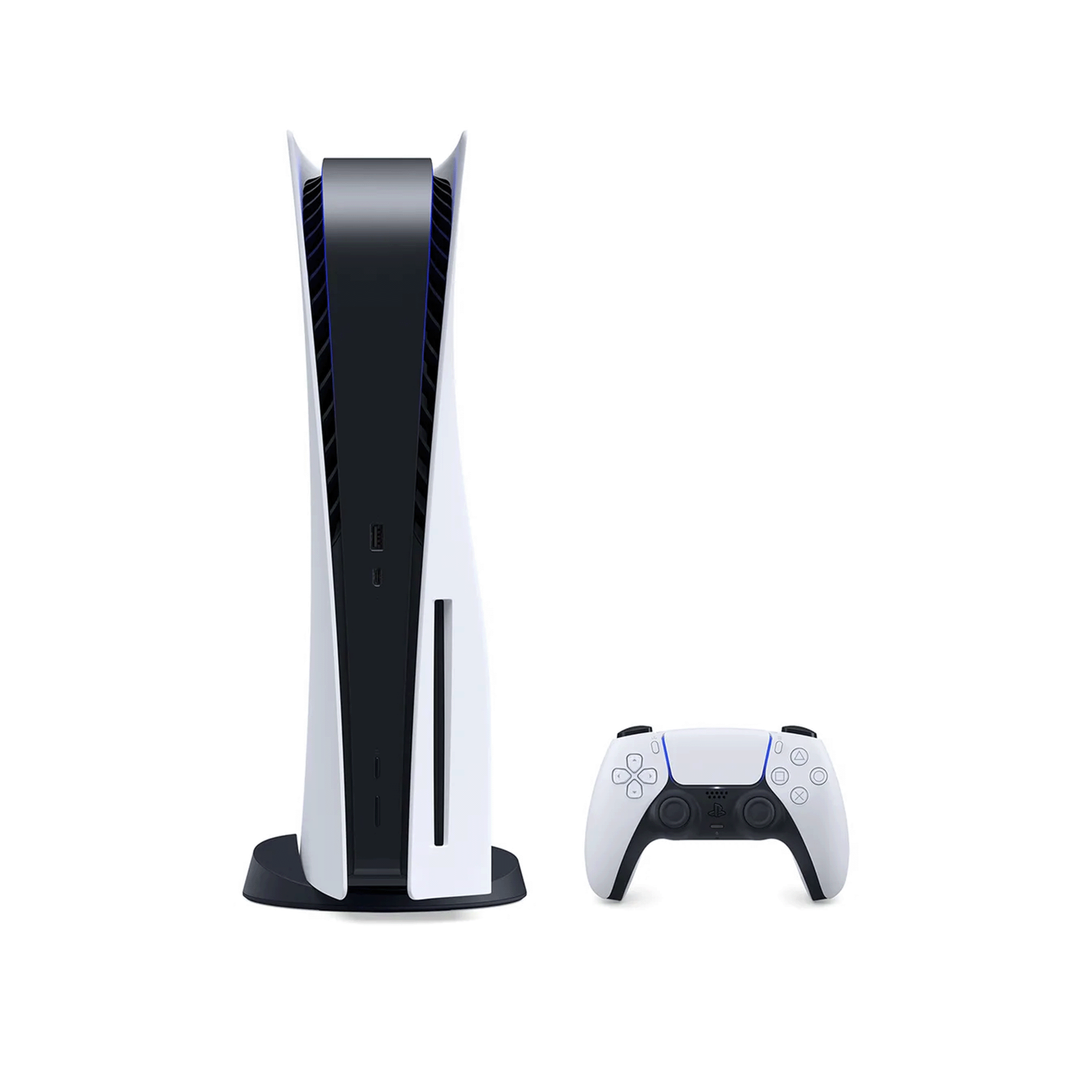
PS5 console
Please prepare your PS5 console so that you can check its operation after resetting.
USB cable
When checking operation after a reset, you must do so using a wired connection.
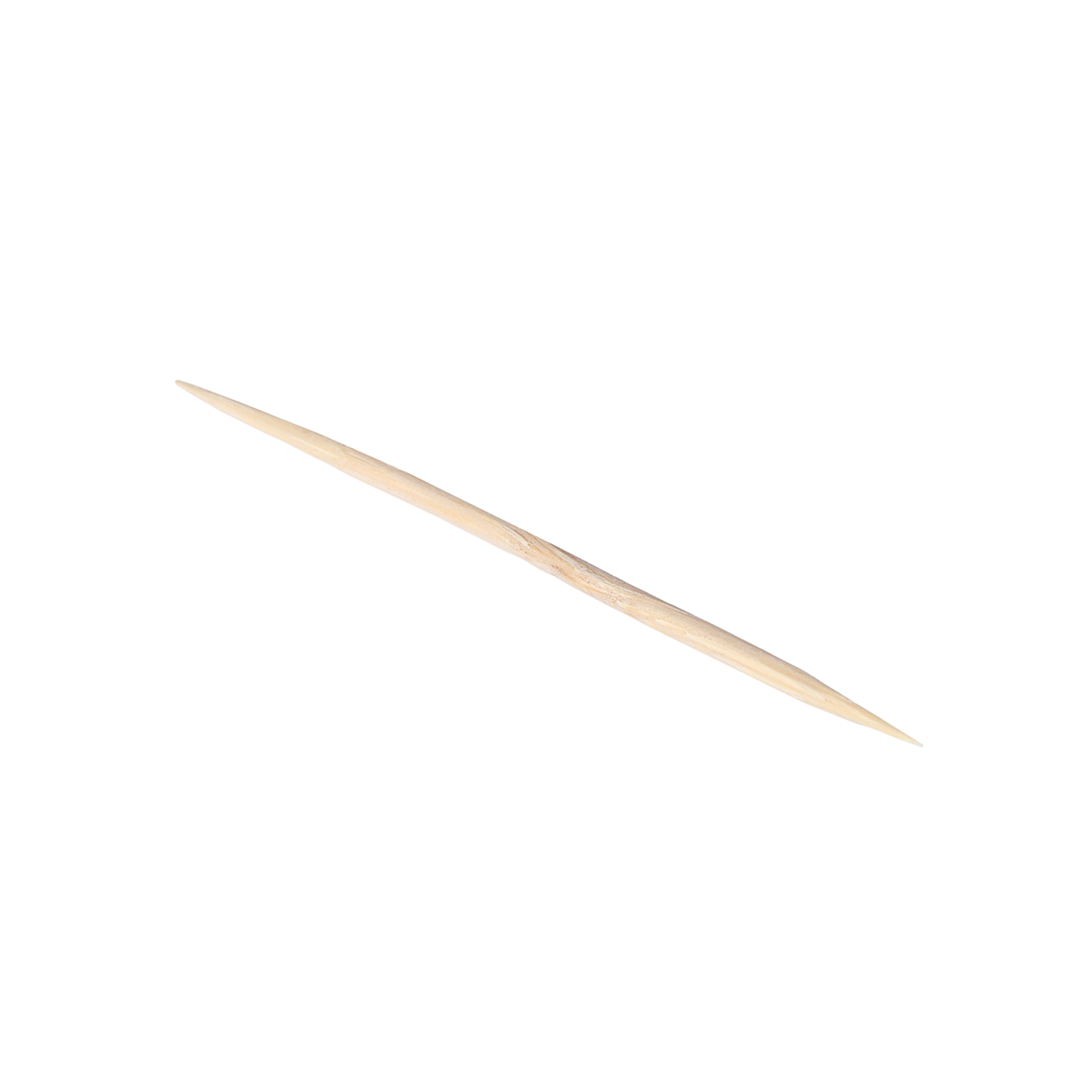
Thin rod
The reset button is located deep inside a small hole, so you will need a thin rod to press it.
What should I do if my controller stops responding?
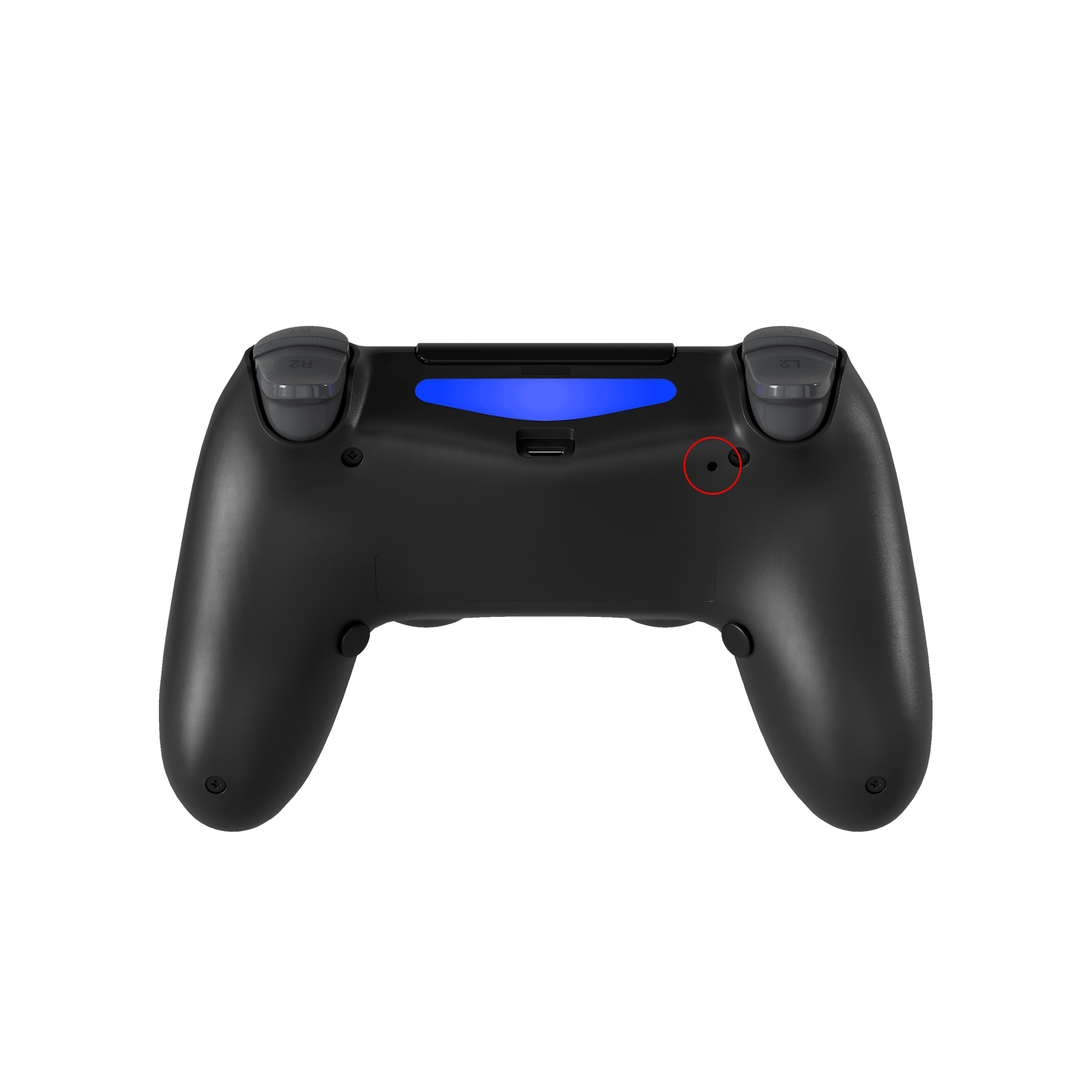
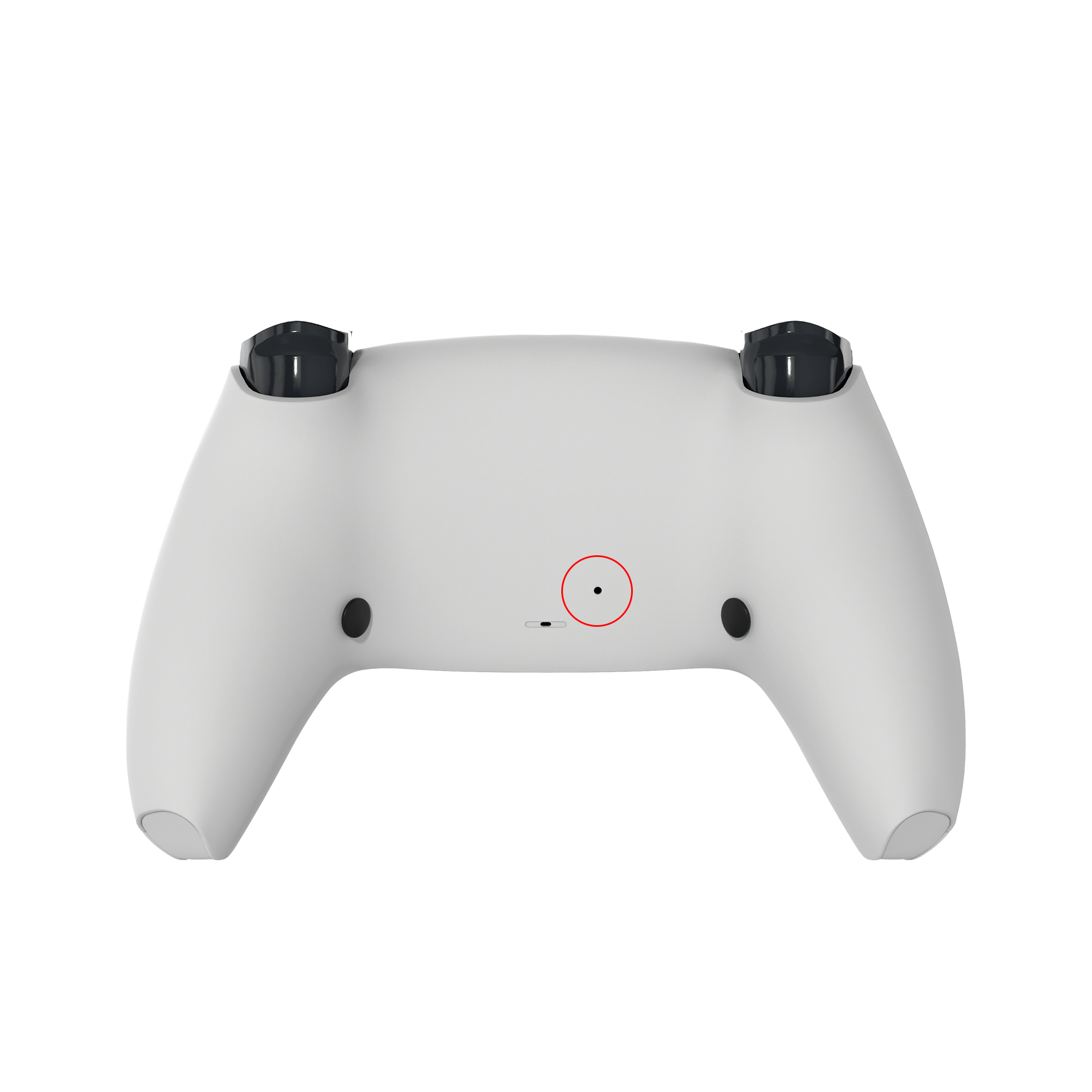
First, try resetting the controller. The small hole on the back is the reset button. Use a thin pin or similar to press and hold it for about 5 seconds to reset the controller.
If I reset it, will all settings be initialized?
Resetting will disconnect Bluetooth connections, but will retain custom settings such as remapping and profile settings.
How do I reconnect after a reset?
After resetting, reconnect your PS5 or PC via Bluetooth or USB. You can pair using the same procedure as the initial connection.
I can't find the reset button
The reset button is a small hole on the back near the grip on the L2 button side. Insert a thin pin or similar into the hole and press and hold it for about 5 seconds.
*For paddle type devices, there is a small hole on the back paddle. Insert a pin into the hole and press and hold it in the same way.
Choosing a selection results in a full page refresh.
Opens in a new window.
One or more of the items in your cart is a recurring or deferred purchase. By continuing, I agree to the cancellation policy and authorize you to charge my payment method at the prices, frequency and dates listed on this page until my order is fulfilled or I cancel, if permitted.